Upscayl
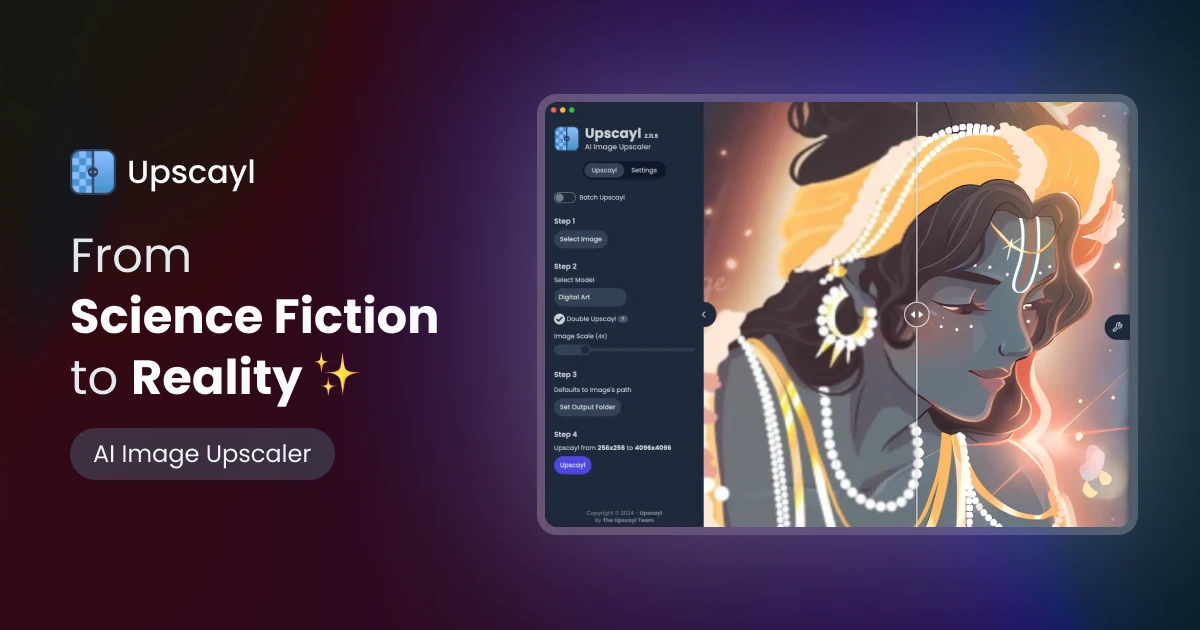
The #1 free and open-source AI image upscaler for Linux, macOS, and Windows.
Key Features
-
●
AI-Powered Upscaling : Uses advanced AI algorithms to intelligently enlarge images
-
●
Multiple Upscaling Modes : Offers different upscaling methods to suit various needs
-
●
Batch Processing : Allows users to upscale multiple images at once
-
●
Supports Common Image Formats : Works with JPEG, PNG, TIFF, and more
-
●
Cross-Platform Compatibility : Available for Linux, macOS, and Windows
Pros
- ✓Open-source and free to use
- ✓Supports multiple image formats
- ✓Fast and efficient upscaling
- ✓User-friendly interface
- ✓Works on Linux, macOS, and Windows
Cons
- ✗Limited customization options
- ✗No mobile app available
- ✗Upscaling quality may vary
Who is using Upscayl?
-
●
Photographers : Enhance image quality for professional work
-
●
Graphic Designers : Improve asset resolution for design projects
-
●
Content Creators : Upscale images for blogs, social media, and websites
-
●
Students : Improve image clarity for educational materials
Use Cases
- →Enlarging low-resolution images without losing quality
- →Upscaling images for high-resolution displays
- →Enhancing detail and sharpness in product photography
- →Improving image clarity for educational and research purposes
Pricing
-
●
Upscayl is an open-source and free-to-use tool. There are no paid tiers or subscription plans.
Pricing details may not be up to date. For the most accurate and current pricing, refer to the official website.
What Makes Upscayl Unique?
Upscayl stands out as a free and open-source AI-powered image upscaler that delivers high-quality results across multiple platforms. Its cross-platform compatibility and batch processing capabilities make it a versatile tool for a wide range of users, from photographers and designers to content creators and students.
How We Rated It
Upscayl receives an overall rating of 4.5 out of 5 due to its excellent performance, ease of use, and strong functionality. While the limited customization options and lack of a mobile app are minor drawbacks, the tool's open-source nature, cross-platform support, and impressive upscaling capabilities make it a highly valuable asset for users looking to enhance their image quality.
-
Accuracy and Reliability 4.5/5
-
Ease of Use 4.6/5
-
Functionality and Features 4.8/5
-
Performance and Speed 4.5/5
-
Customer Support 4.0/5
-
Value for Money 4.3/5