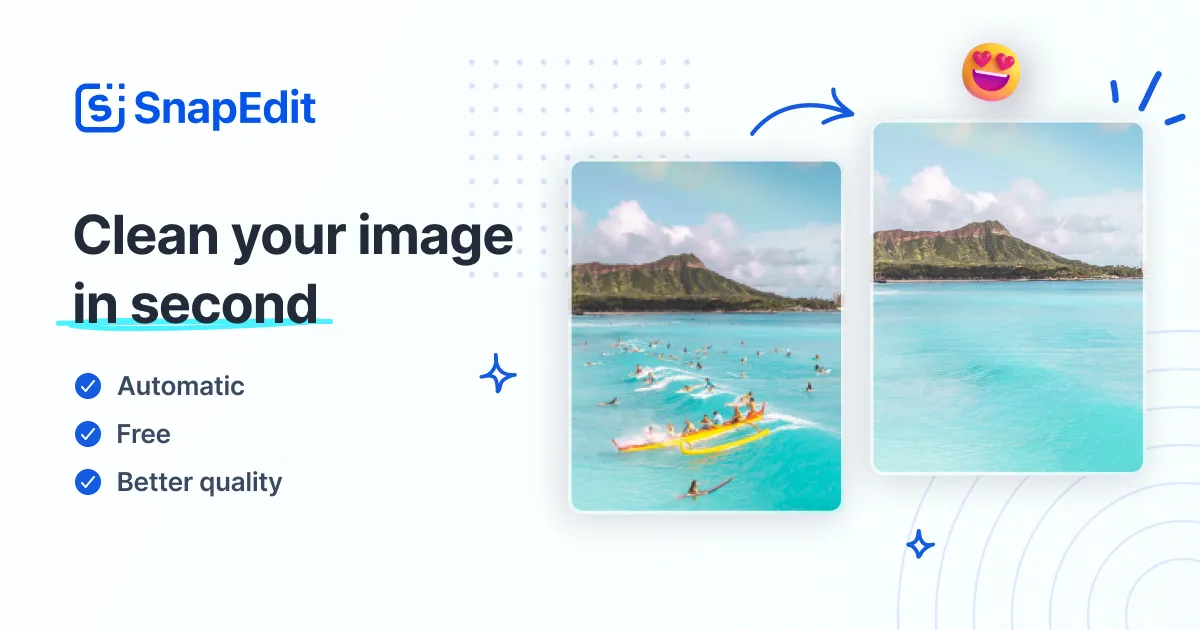
SnapEdit
AI-powered online photo editor with advanced tools to enhance, retouch, and manipulate images.
Key Features
-
●
AI-Powered Editing : Leverage AI to automate complex editing tasks
-
●
Background Removal : Quickly isolate and remove backgrounds
-
●
Object Removal : Seamlessly remove unwanted elements from images
-
●
Advanced Filters : Access a wide range of artistic filters and effects
-
●
Collaborative Tools : Share and work on projects with team members
Pros
- ✓Powerful AI-driven image editing tools
- ✓Easy-to-use online interface
- ✓Supports advanced techniques like background removal
- ✓Offers a free tier with robust features
- ✓Collaborative functionality for teams
Cons
- ✗Limited offline/desktop functionality
- ✗Some advanced features require paid subscription
- ✗Can be resource-intensive for older devices
Who is using SnapEdit?
-
●
Freelance Designers : Streamline photo editing workflows
-
●
E-commerce Businesses : Enhance product images
-
●
Social Media Managers : Create visually engaging content
-
●
Bloggers & Content Creators : Elevate their visual assets
Use Cases
- →Retouching and enhancing portraits
- →Removing unwanted objects or backgrounds
- →Creating composite images from multiple sources
- →Applying artistic filters and effects
Pricing
-
●
Free Tier : Access to core editing tools and features
-
●
Starter : $9.99/month, includes premium filters and effects
-
●
Pro : $19.99/month, adds team collaboration and advanced tools
Pricing details may not be up to date. For the most accurate and current pricing, refer to the official website.
What Makes SnapEdit Unique?
SnapEdit stands out with its robust AI-powered editing capabilities, allowing users to perform complex tasks like background removal and object removal with ease. The intuitive online interface and collaborative features make it a compelling choice for designers, businesses, and content creators looking to streamline their photo editing workflows.
How We Rated It
SnapEdit impresses with its powerful AI-driven editing tools, user-friendly interface, and comprehensive feature set. While the free tier offers excellent value, the paid plans unlock advanced functionality that can greatly benefit professional users. The tool's performance and reliability, coupled with responsive customer support, make it a top choice in the AI-powered photo editing landscape.
-
Accuracy and Reliability 4.5/5
-
Ease of Use 4.6/5
-
Functionality and Features 4.8/5
-
Performance and Speed 4.5/5
-
Customer Support 4.0/5
-
Value for Money 4.3/5