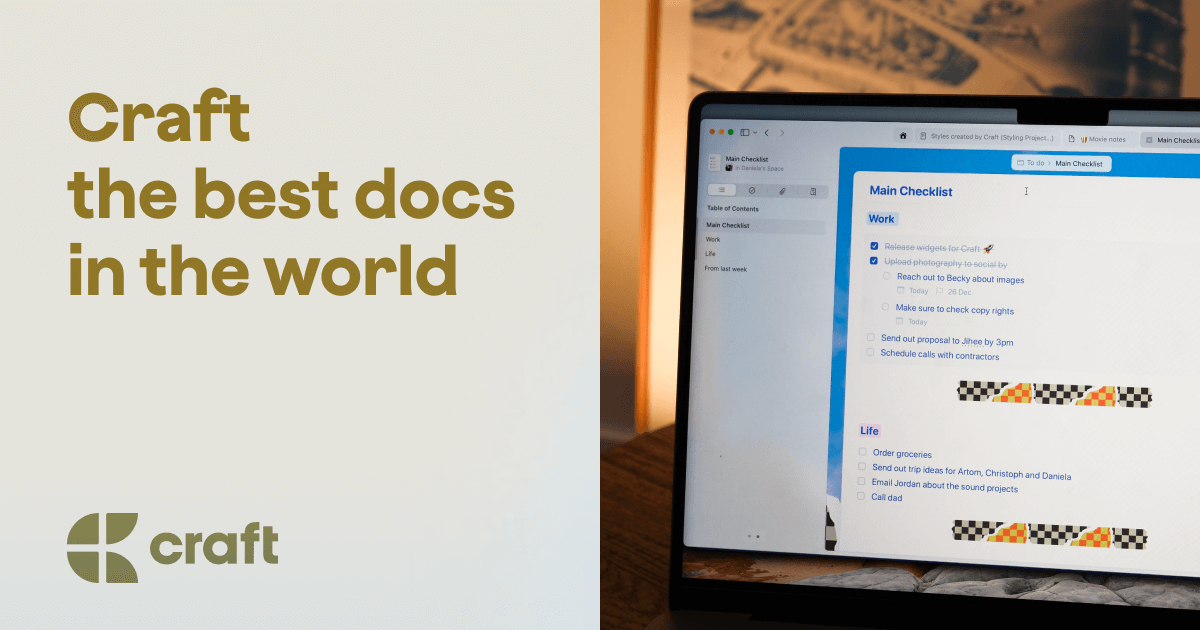
Craft Docs
A free notes and productivity app that follows you across all your devices.
Key Features
-
●
Markdown-based note-taking : Easily format text and embed media.
-
●
Task management : Create, assign, and track tasks.
-
●
Template library : Choose from pre-built or custom templates.
-
●
Collaboration : Share documents and assign permissions.
Pros
- ✓Cross-device syncing
- ✓Minimal and clean interface
- ✓Built-in task management
- ✓Collaboration features
- ✓Customizable templates
Cons
- ✗Limited free plan
- ✗Learning curve for advanced features
- ✗No offline mode
Who is using Craft Docs?
-
●
Students : Organize notes, tasks, and research.
-
●
Freelancers : Streamline project management.
-
●
Small Businesses : Centralize team collaboration.
Use Cases
- →Centralizing personal and team workflows
- →Collaborating on documents and projects
- →Quickly capturing ideas and to-dos
- →Combining notes, tasks, and calendars
Pricing
-
●
Free Tier : Limited features, 5MB storage
-
●
Starter : $9/month, 100MB storage, more features
-
●
Pro : $15/month, 1GB storage, full feature set
Pricing details may not be up to date. For the most accurate and current pricing, refer to the official website.
What Makes Craft Docs Unique?
Craft Docs stands out with its seamless cross-device experience, clean and intuitive interface, and robust task management capabilities. The app's focus on blending notes, tasks, and collaboration sets it apart from traditional note-taking tools.
How We Rated It
Craft Docs earns high marks for its powerful feature set, ease of use, and performance across devices. While the free plan has limitations, the paid tiers offer excellent value for individuals and teams looking to streamline their productivity workflows.
-
Accuracy and Reliability 4.5/5
-
Ease of Use 4.6/5
-
Functionality and Features 4.8/5
-
Performance and Speed 4.5/5
-
Customer Support 4.0/5
-
Value for Money 4.3/5